Make 3D MacBook mockups of your website or app
Put your site or web app on a MacBook Neo, MacBook Air or MacBook Pro in 3D, with the macOS menu bar, a Safari window and the Dock when you want them. Export images or video.
Free to start in your browser. No account needed.
- Every device is free. All 4 MacBooks, and the other 15 devices, in every finish.
- Start from a template. The video above is the free Blackout template with public websites playing on its screen. Open it and drop in yours.
- Export what you need. Watermarked 1280 × 720 video free with a free account (1 a week, up to 12 seconds), or up to 3,840 px on Pro.
Every MacBook, lid angle and desktop your site needs
Each still here shows a public website on a 3D MacBook, rendered in Ultramock. The sites are examples, not customers.

Every MacBook, every finish. MacBook Neo, MacBook Air 13, and MacBook Pro 14 and 16, in finishes from citrus to space black.

The lid where you want it. Open the lid to the angle that suits the shot and turn the laptop so the screen catches the light.


A real macOS desktop. Show the menu bar, a Safari window with your address and the Dock, or let your page fill the screen.
How it works
Bring a screenshot or a screen recording of your site. Ultramock puts it on the MacBook; you choose the desktop around it.

Your screen
Upload a screenshot or recording, or capture any site with the Ultramock Chrome extension.

On a MacBook
Pick the model and finish, add the menu bar, Safari window or Dock, then export a still or a video.
More than a device mockup
Start from an art-directed template instead. Put your screen recording in Rock MacBook or Slab Macro and export a video that looks shot in a studio. Both templates are free.
4 MacBooks, all free
Every finish too. Pro adds the premium 3D Scenes, and Flat mode is there whenever a device is not the right frame.
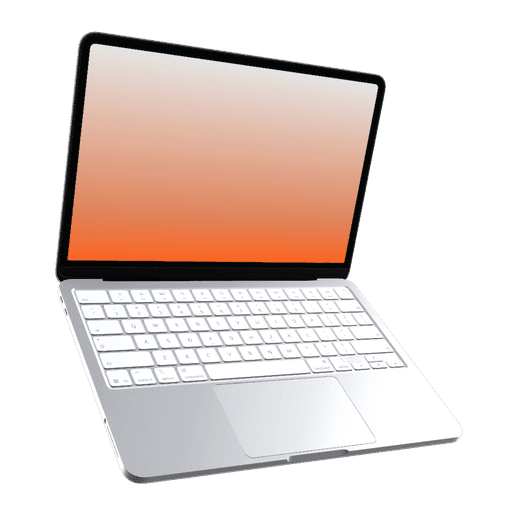
MacBook Neo
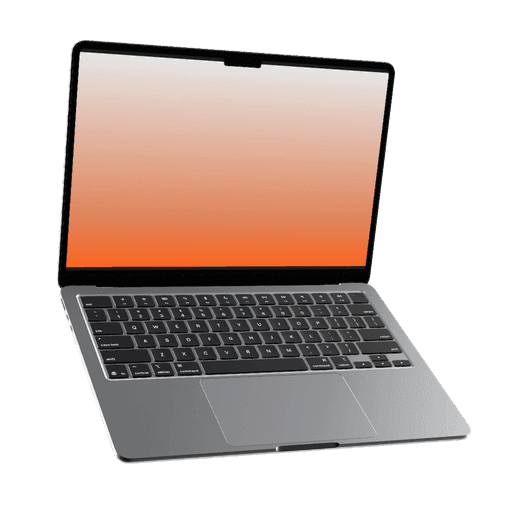
MacBook Air 13"
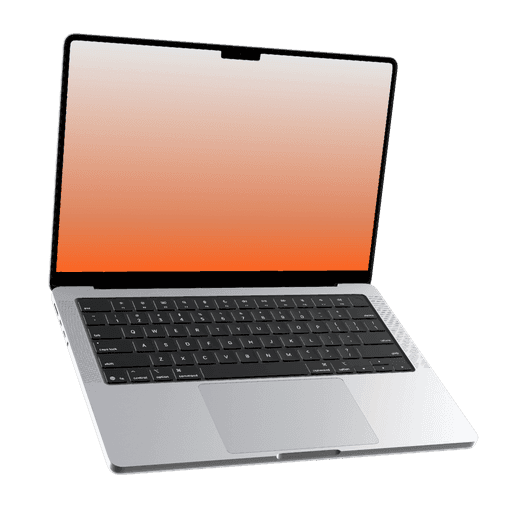
MacBook Pro 14"
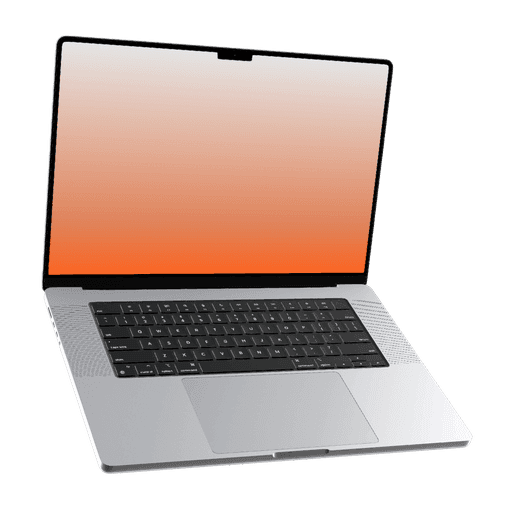
MacBook Pro 16"
The right screen size
Upload at these sizes and your screen fills the device edge to edge. They are the sizes the editor suggests when you pick a model, for screenshots and screen recordings alike.
| Model | Upload size | Shape |
|---|---|---|
| MacBook Neo | 2,408 × 1,506 px | Landscape |
| MacBook Air 13" | 2,560 × 1,664 px | Landscape |
| MacBook Pro 14" | 3,024 × 1,964 px | Landscape |
| MacBook Pro 16" | 3,456 × 2,234 px | Landscape |
What you can export
Free covers the whole editor with watermarked exports. Pro removes the watermark and the export limit, and raises the size and frame rate.
| Export | Free | Pro |
|---|---|---|
| Exports | 5 images and 1 video a week, with videos up to 12 seconds. Video needs a free account | Unlimited |
| Watermark | A small Ultramock mark in the bottom-left corner | None |
| Still images | JPG, PNG or WebP, up to 1,920 px on the longest edge | Up to 5,120 px on the longest edge, including custom sizes |
| Video | 1280 × 720 landscape, up to 30 fps | Up to 3,840 px on the longest edge (4K), in landscape, portrait or square, up to 60 fps |
| Transparency | Not included | Transparent PNG and WebP, and WebM video with an alpha channel in Chrome (other browsers vary) |
Ultramock is simply the best way to showcase your product. It gives us a clean, professional finish without needing a motion designer or After Effects.
Capture a site in one click
The Ultramock Chrome extension captures the page you are on, scroll included, and opens it in the editor ready for a MacBook.
Questions, answered
Which MacBooks are included?
MacBook Neo, MacBook Air 13, MacBook Pro 14 and MacBook Pro 16. All of them are free to use, in every finish.
Can I show my site in a browser window?
Yes. Turn on the Safari window and type your address; add the macOS menu bar and the Dock if you want the whole desktop.
Can I make a video, not just an image?
Yes. Use a screen recording, or a long page that scrolls, and move the camera across several shots. Free gets five images a week with no account, and one video a week up to 12 seconds with a free account, all with an Ultramock watermark. Pro removes the watermark and goes up to 4K video.
Last updated
Make your first MacBook mockup
Drop in a screenshot, pick a MacBook and export. No account needed to start.
Never miss an update
Get new features, release notes, and the occasional behind-the-scenes from Ultramock, straight to your inbox.