Make a free mockup video in your browser
Put your app or website on a 3D iPhone, MacBook or Studio Display, let the camera move around it, and export the video. The editor and all 19 devices are free, with nothing to install.
Free to start in your browser. No account needed.
- Every device is free. 19 phones, tablets, laptops and displays, every finish included.
- Start from a template. The video above is the free Aire template with public websites playing on its screen. Open it and drop in yours.
- Export what you need. Watermarked 1280 × 720 video free with a free account (1 a week, up to 12 seconds), or up to 3,840 px on Pro.
What the free plan makes
Free is the whole creative editor, not a trial: every device, camera motion, multiple shots, text and screen recordings. Pro adds the premium 3D Scenes, the music library and animated backgrounds.

A camera that moves for you. Each template brings its own camera move, easing and lighting. Or set a few poses and the camera eases between them, shot by shot.

Your app on the phone it was made for. An iOS app on an iPhone, an Android app on a Galaxy or Pixel, a website on a MacBook or a display.


Every device, every finish. iPad Pro in space black, MacBook Neo in indigo: all 19 devices and every finish are free, not a starter few.
How it works
Your screen goes in, a finished video comes out. This is the whole free workflow.

Add your screen
Drop in a screenshot or a screen recording of your app or website. You can start without an account.

Export the video
Pick a device or a template and export. Free video is 1280 × 720 with a watermark. Free gets five images and one video a week, with videos up to 12 seconds.
More than a device mockup
Start from an art-directed template instead. Put your screen recording in Rock MacBook or Slab Macro and export a video that looks shot in a studio. Both templates are free.
19 devices, all free
Every finish too. Pro adds the premium 3D Scenes, and Flat mode is there whenever a device is not the right frame.
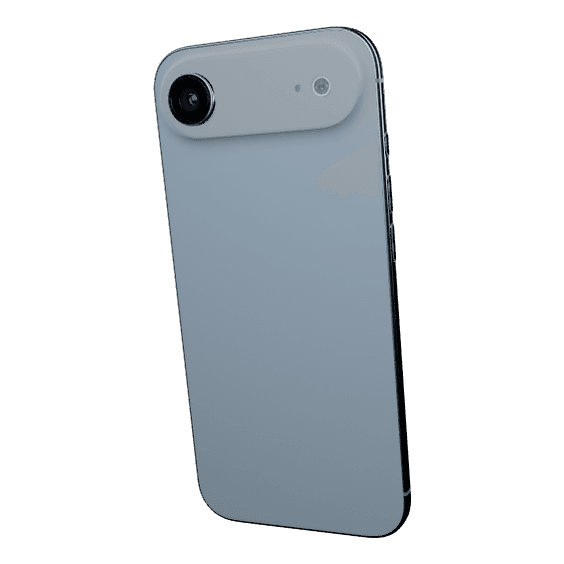
iPhone Air
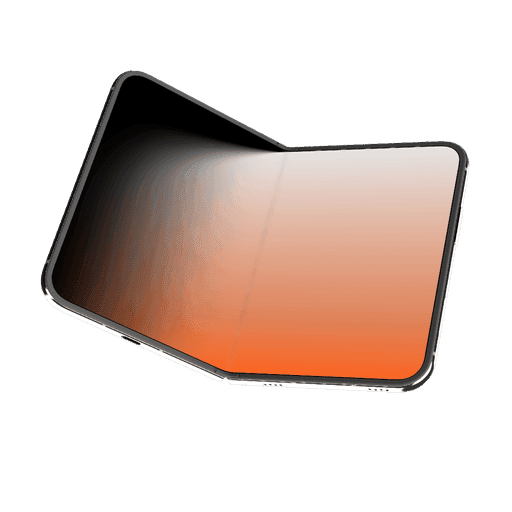
iPhone Duo
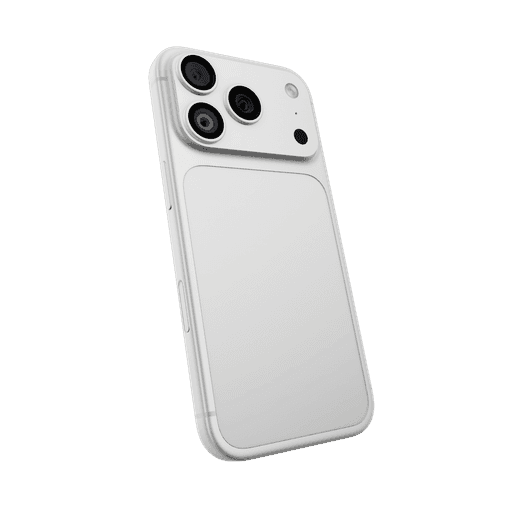
iPhone 18 Pro
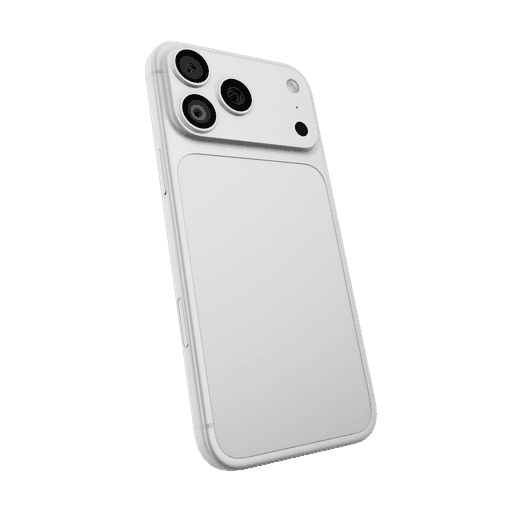
iPhone 18 Pro Max
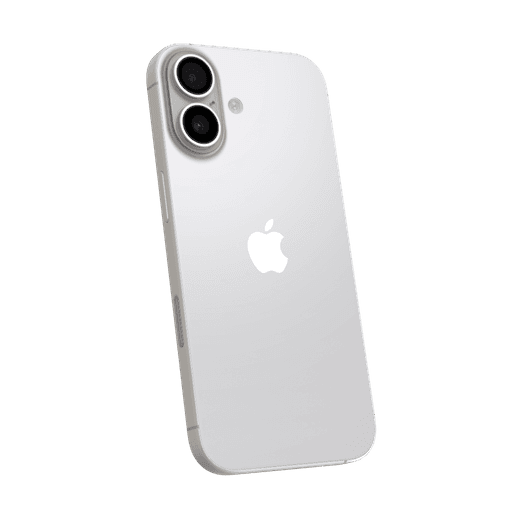
iPhone 17
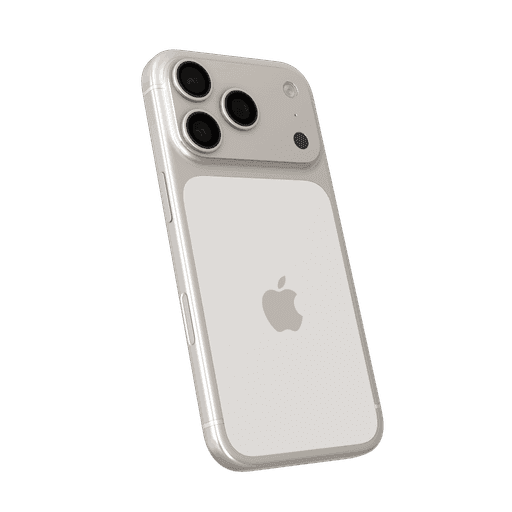
iPhone 17 Pro
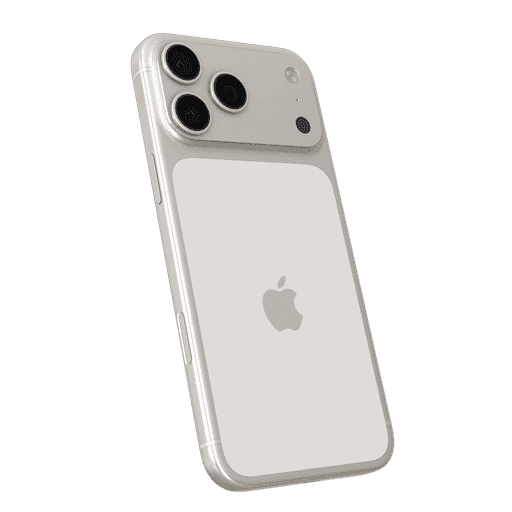
iPhone 17 Pro Max
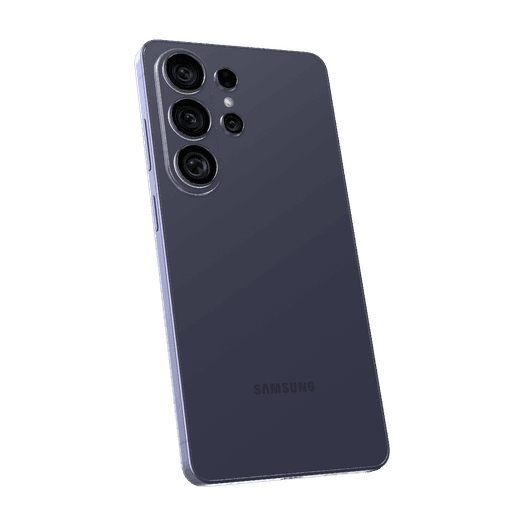
Galaxy S26 Ultra
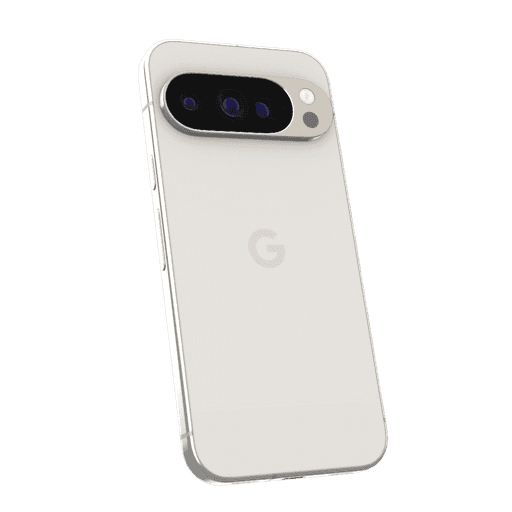
Pixel 10 Pro
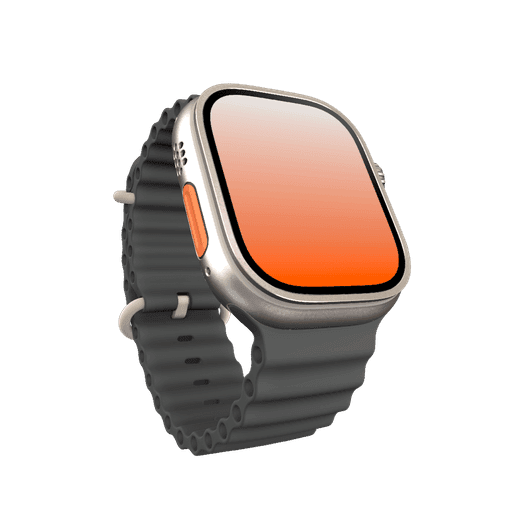
Apple Watch Ultra 3
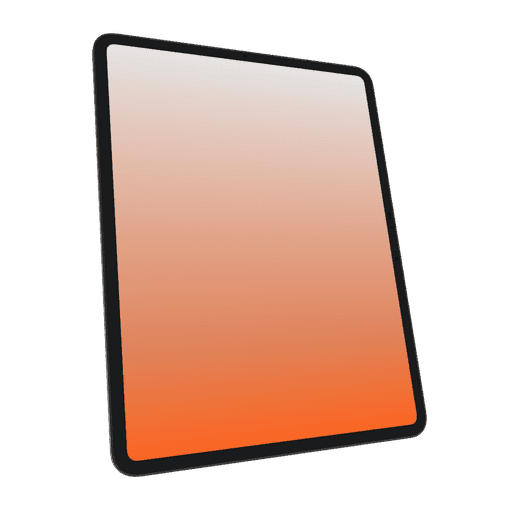
iPad Pro
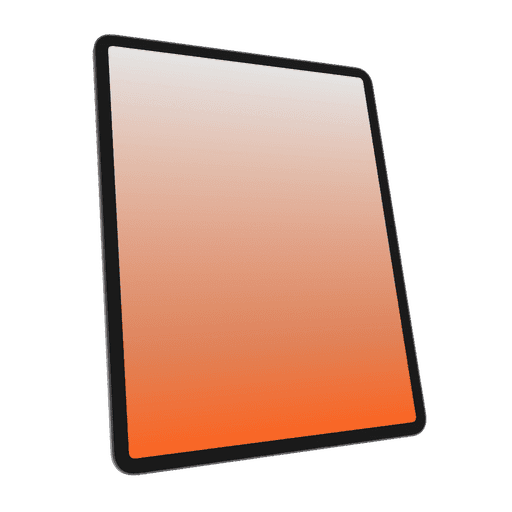
iPad Air
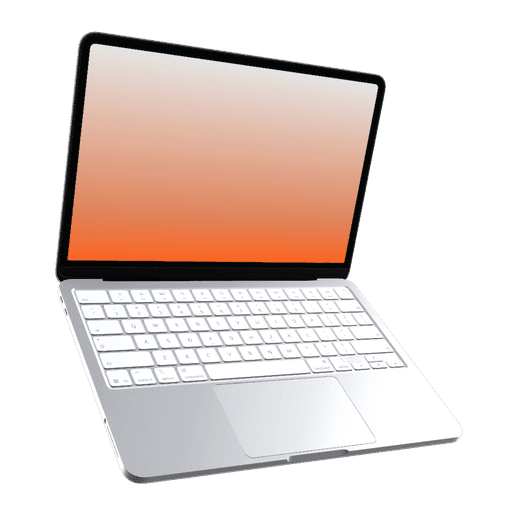
MacBook Neo
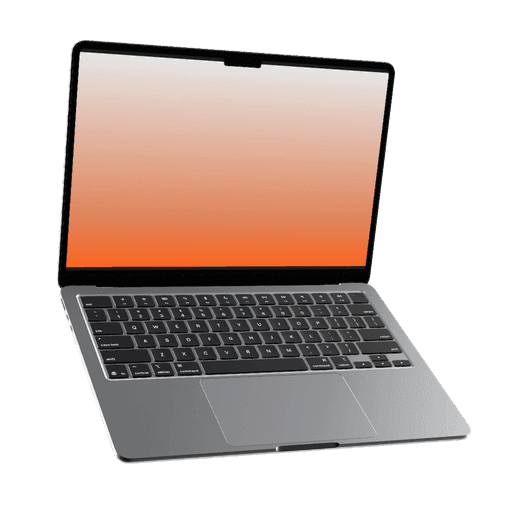
MacBook Air 13"
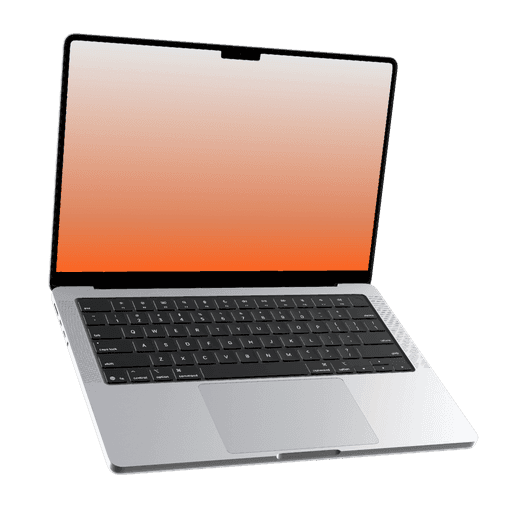
MacBook Pro 14"
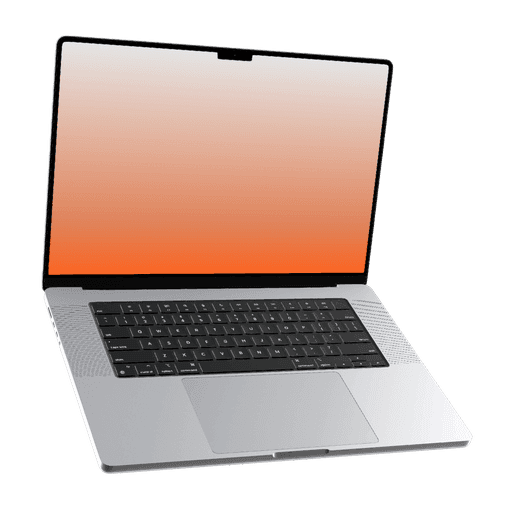
MacBook Pro 16"
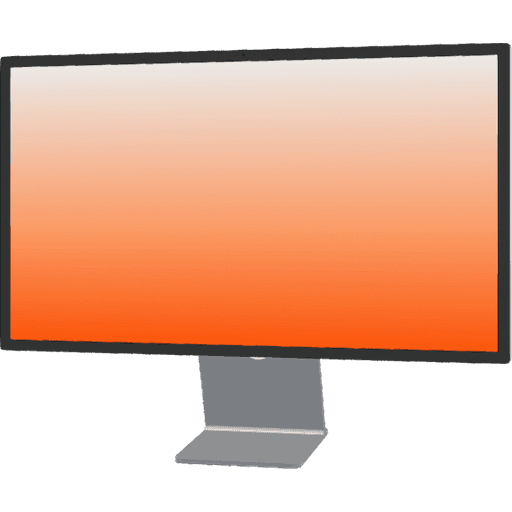
Studio Display
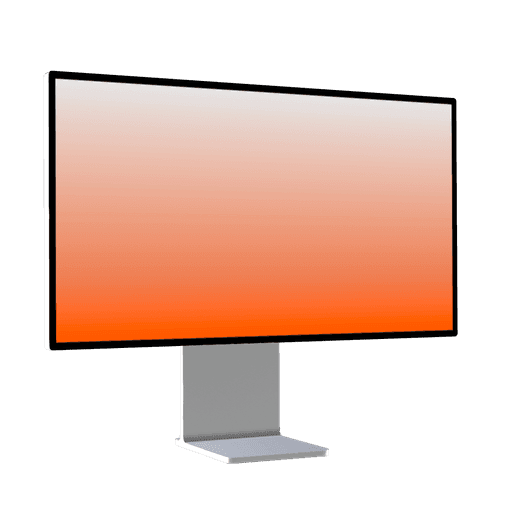
XDR Display
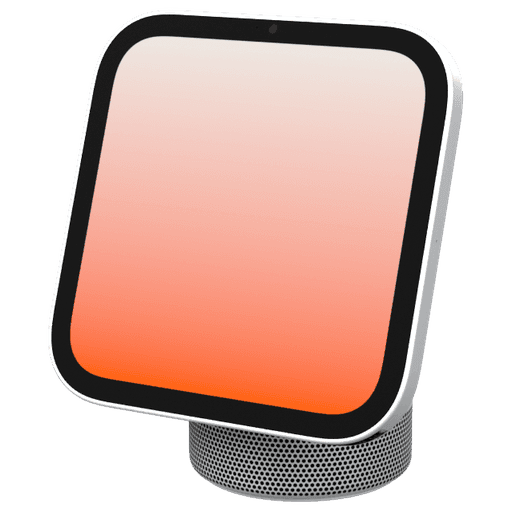
HomeView
What you can export
Free covers the whole editor with watermarked exports. Pro removes the watermark and the export limit, and raises the size and frame rate.
| Export | Free | Pro |
|---|---|---|
| Exports | 5 images and 1 video a week, with videos up to 12 seconds. Video needs a free account | Unlimited |
| Watermark | A small Ultramock mark in the bottom-left corner | None |
| Still images | JPG, PNG or WebP, up to 1,920 px on the longest edge | Up to 5,120 px on the longest edge, including custom sizes |
| Video | 1280 × 720 landscape, up to 30 fps | Up to 3,840 px on the longest edge (4K), in landscape, portrait or square, up to 60 fps |
| Transparency | Not included | Transparent PNG and WebP, and WebM video with an alpha channel in Chrome (other browsers vary) |
What is free, and what Pro adds
Making the video is free. The limits apply when you export, and Pro lifts them.
Free
The full editor in your browser, with no card and nothing to install.
- All 19 3D devices, in every finish
- Camera poses, keyframes, easing and auto-motion
- Multiple shots, transitions, text and logo layers
- Screenshots or screen recordings on any shot
- The free official templates, with a free account
- Watermarked exports: 5 images and 1 video a week
Pro adds
For when the video is going on your homepage, a launch or an App Store page.
- No watermark and no weekly limit
- Video up to 3,840 px (4K), in portrait and square too, up to 60 fps
- Transparent video and images in Chrome
- Premium 3D Scenes, the music library and animated backgrounds
- Projects saved to your account
Ultramock has massively helped with the speed and quality of our feature releases. Before Ultramock, we could only produce high quality visuals for the most important features. Now, we can produce beautiful product visuals in a fraction of the time.
Exactly what a free video export is
A free video is 1280 × 720 landscape at up to 30 fps, with a small Ultramock mark in the bottom-left corner. Free gets five images and one video a week, with videos up to 12 seconds. Video export needs a free account; images don't. A longer project is fine: set the render area to the 12 seconds you want and export that part.
Questions, answered
Is Ultramock really free?
Yes. The editor and every 3D device are free in your browser, with no card. Free gets five images a week with no account, and one video a week up to 12 seconds with a free account, all with an Ultramock watermark. Pro removes the watermark and the limit.
Do I need an account to make a mockup video?
Not to make it: you can build the whole video signed out. Exporting a video, and opening a template, needs a free account.
Is there a watermark on free videos?
Yes, a small "Made with ultramock.io" label centred along the bottom. Pro exports have no watermark.
How long can a free mockup video be?
Up to 12 seconds. Your project can run longer: set the render area to the part you want and export that. Pro has no 12-second limit.
Can I make a vertical video for Reels or TikTok for free?
Free video is 1280 × 720 landscape. Portrait and square video, for Reels, TikTok and Shorts, are part of Pro.
Can I use a screen recording instead of a screenshot?
Yes, on the free plan too. Any shot can play an uploaded screen recording, and the Chrome extension can record a browser tab and send it straight to the editor.
Last updated
Your first mockup video is free
Open the editor, drop in a screen and press play. No card, nothing to install.
Never miss an update
Get new features, release notes, and the occasional behind-the-scenes from Ultramock, straight to your inbox.